A proper instrument for your electric car. Live power on a dial that moves like the real thing, miles per kWh, and a range figure based on how you actually drive, not the brochure. Plus battery health, charging and what it all costs.
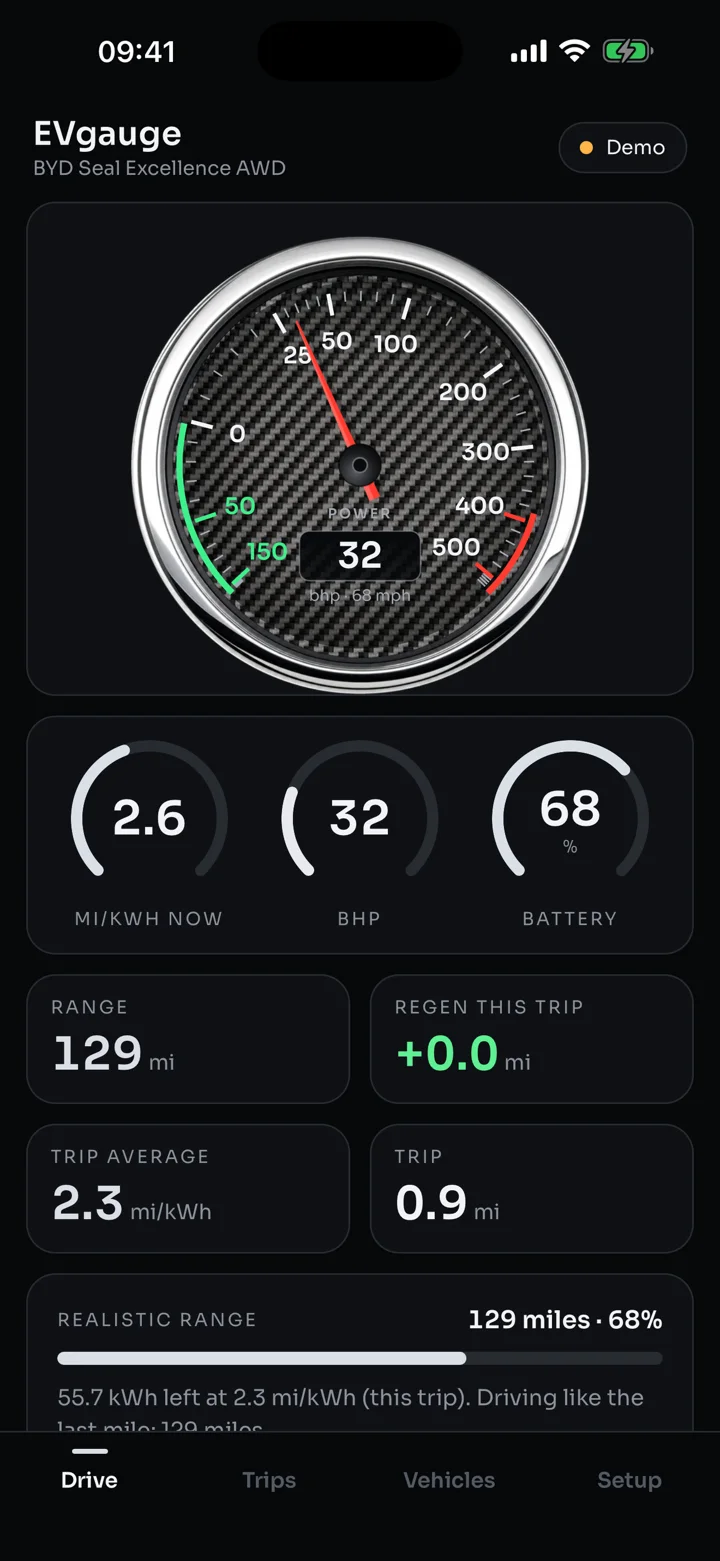
No menus to dig through. The dial and the numbers you care about are on the first screen, and you choose which numbers those are.
Power, speed, mi/kWh, battery and range at a glance.
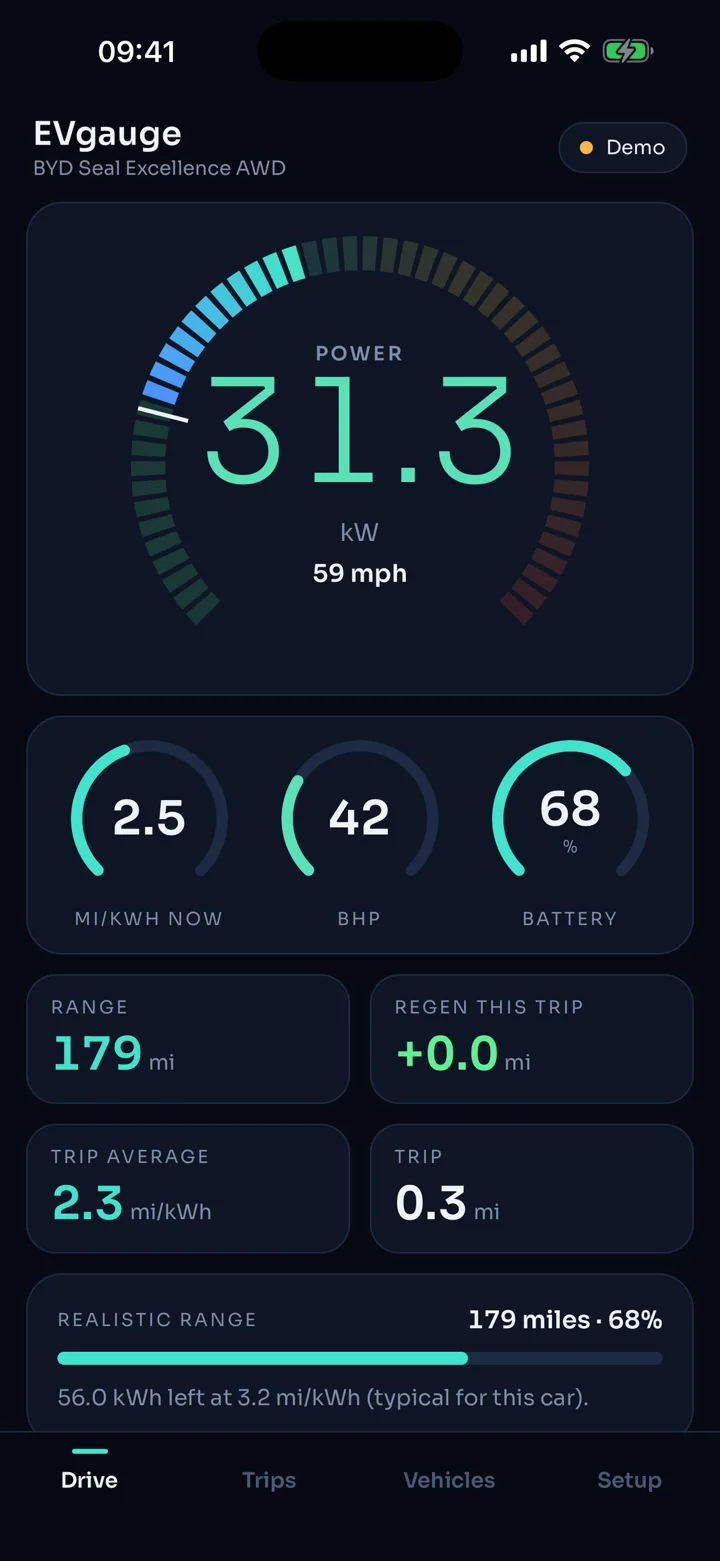
Pick the dial, the tiles and what the big needle shows.
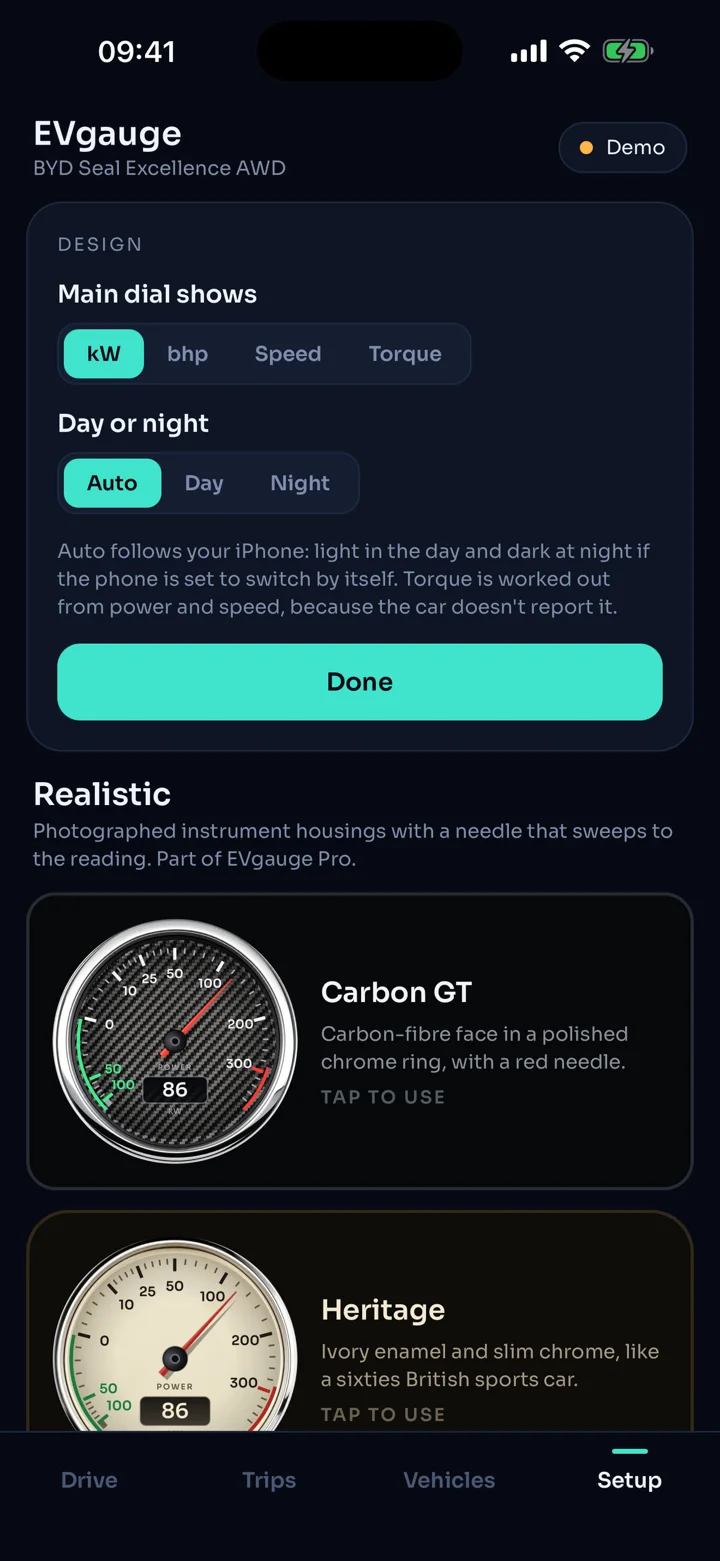
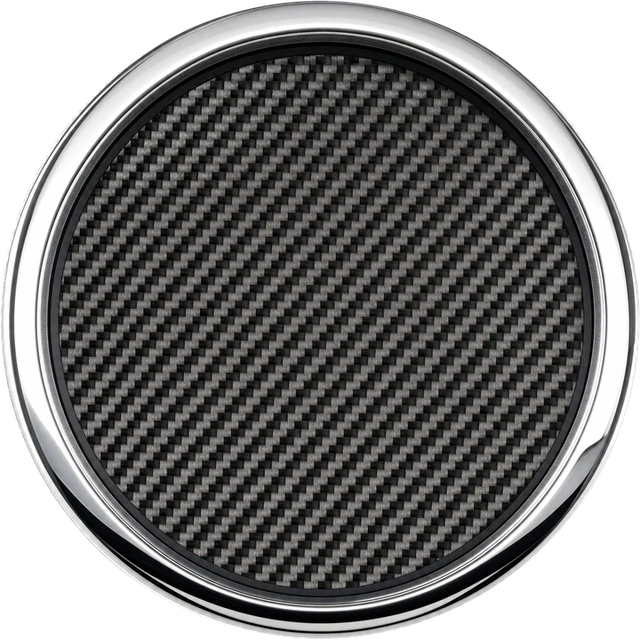
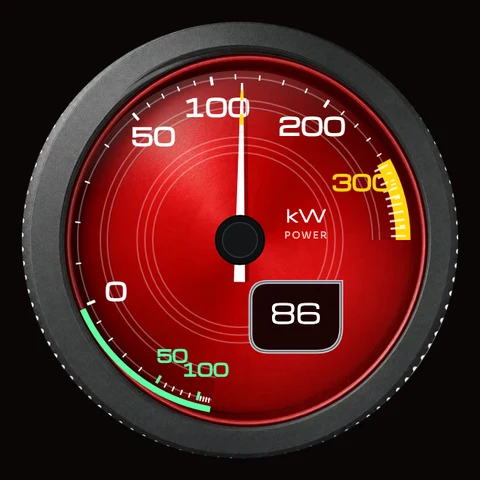
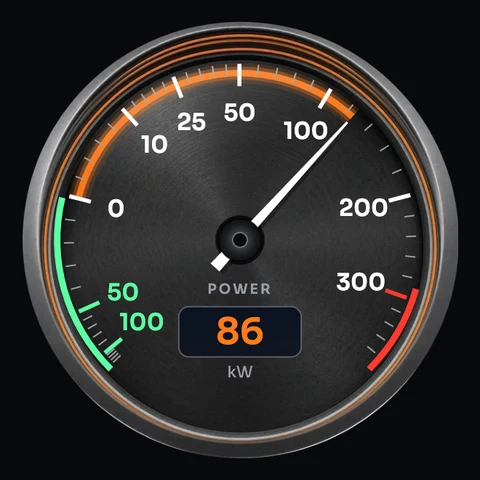
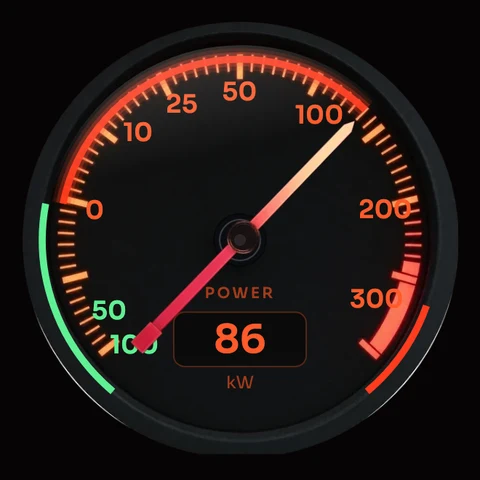
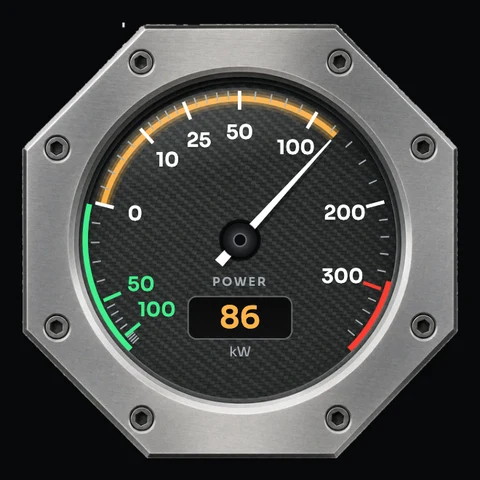
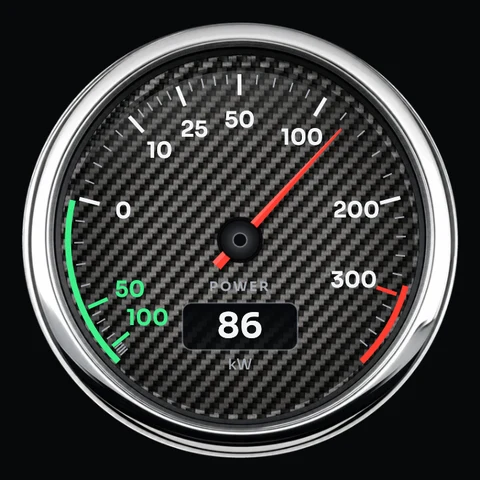
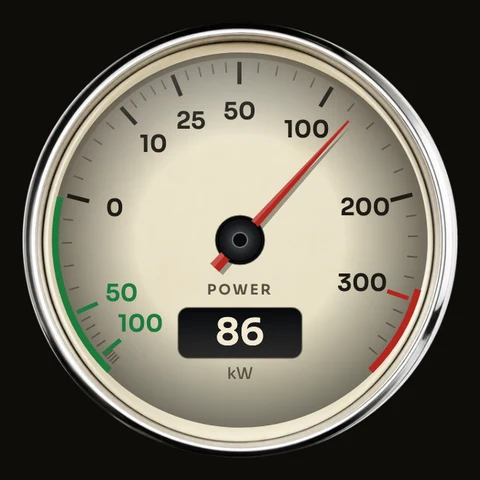
Photographed housings and clean drawn dials, day and night.
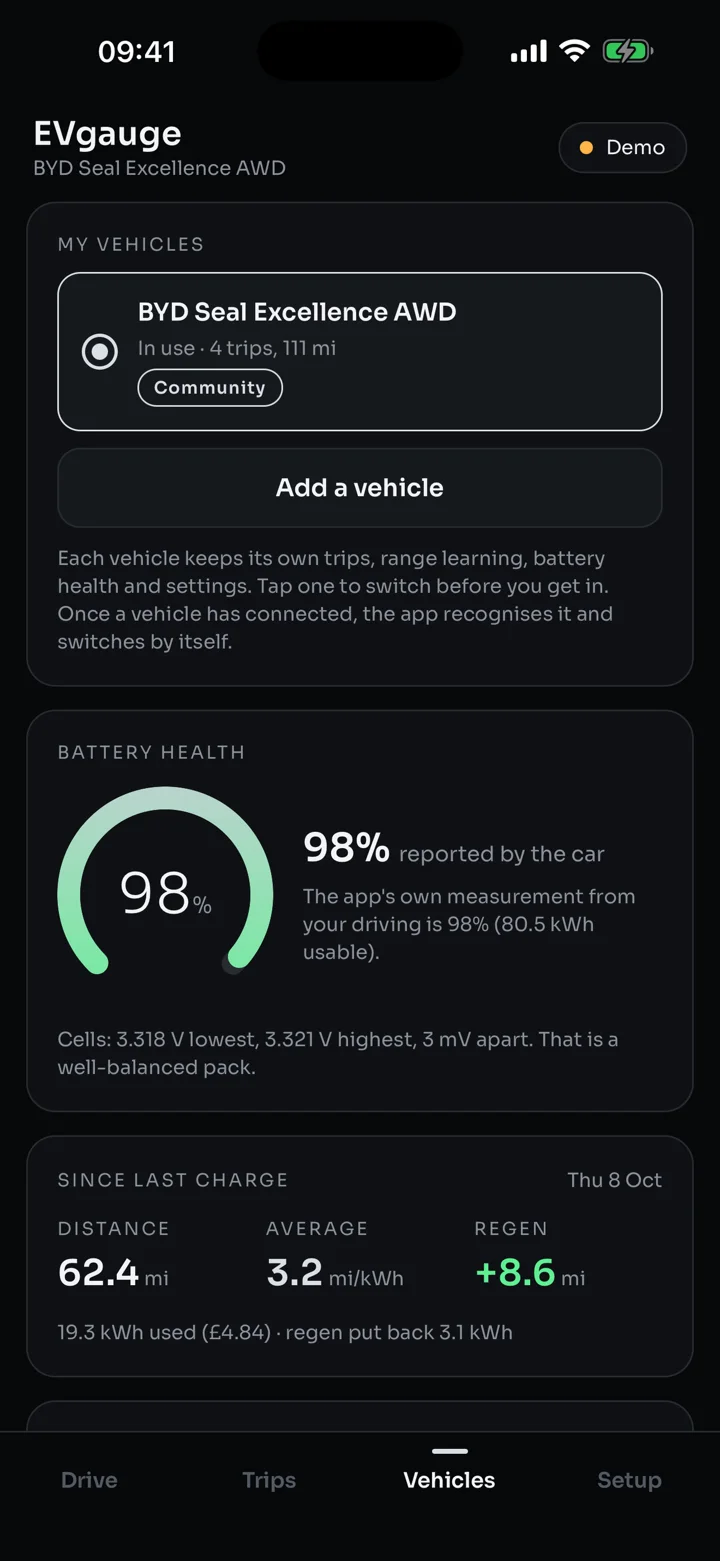
Health against new, cell balance, since last charge.
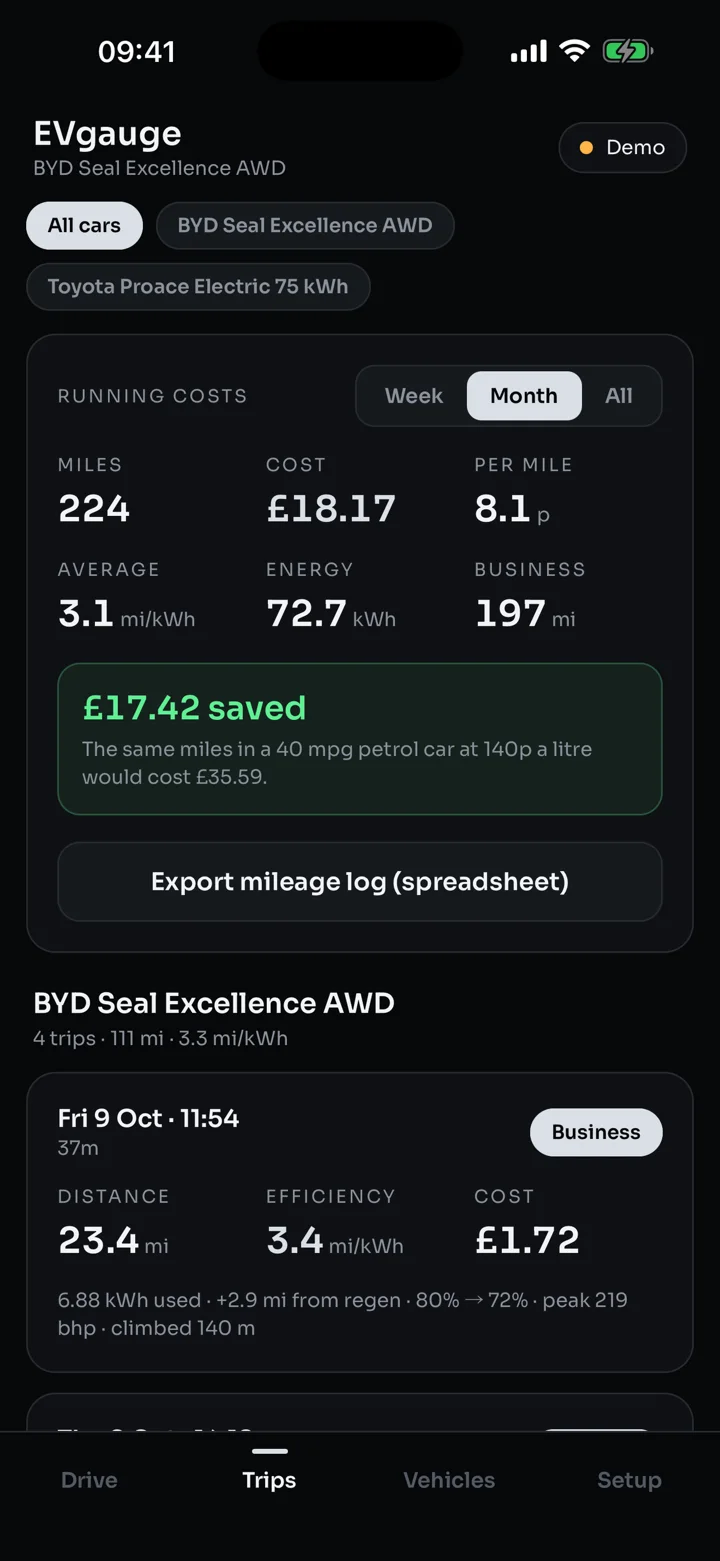
Pence per mile, the saving against petrol, a mileage log.
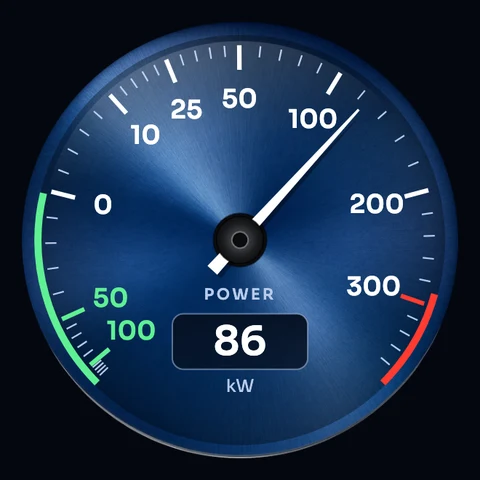
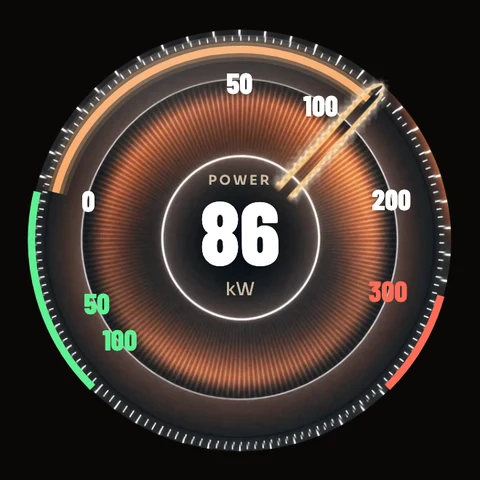
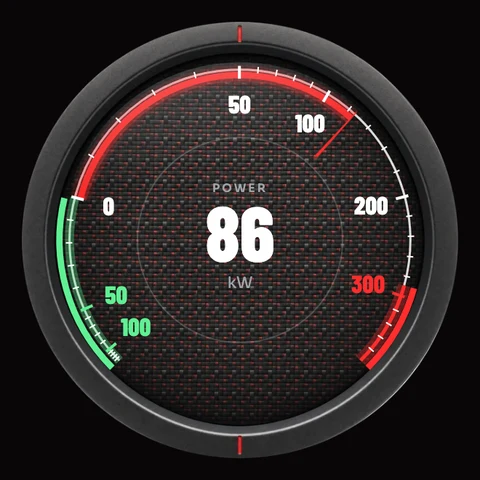
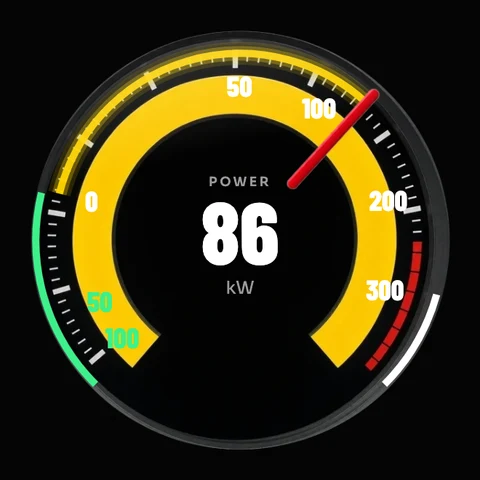
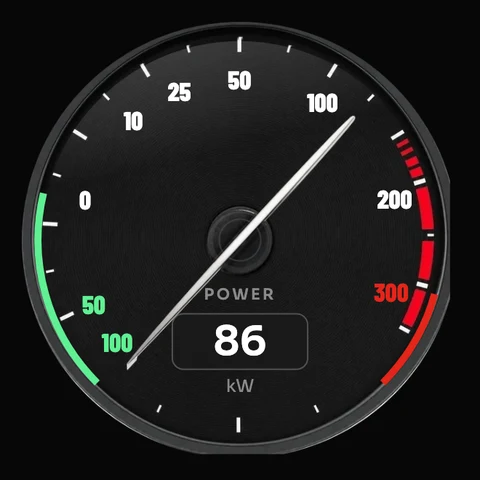
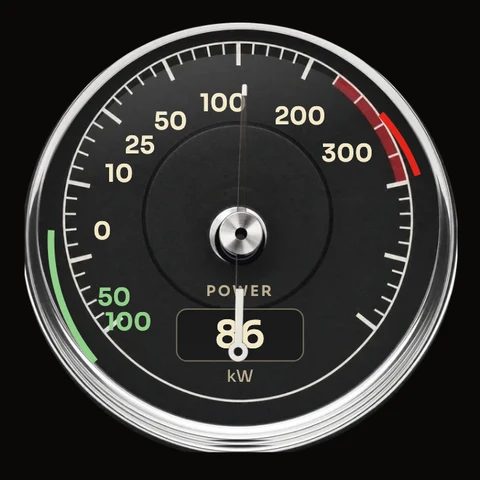
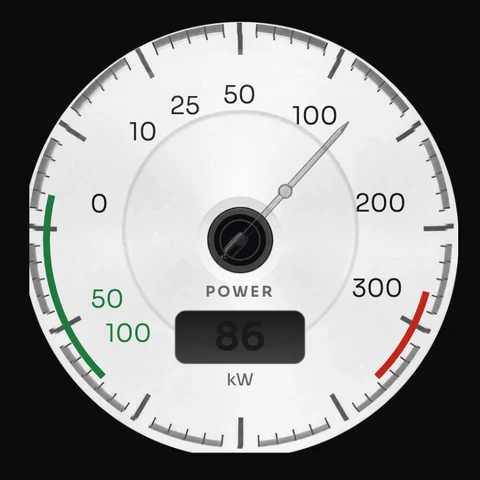
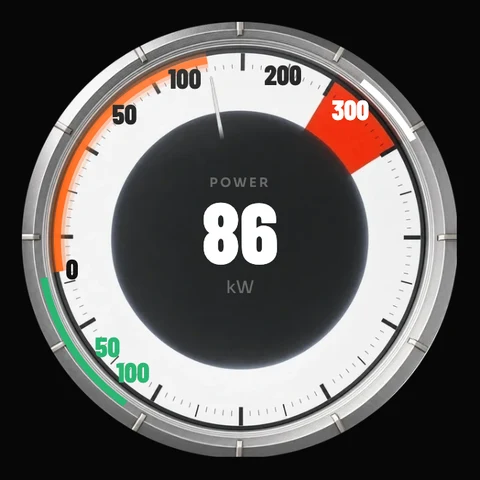
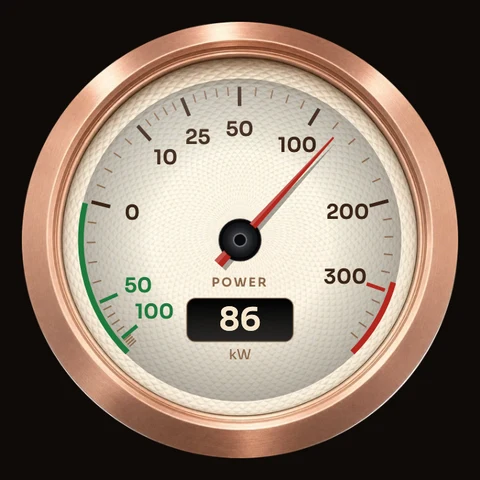
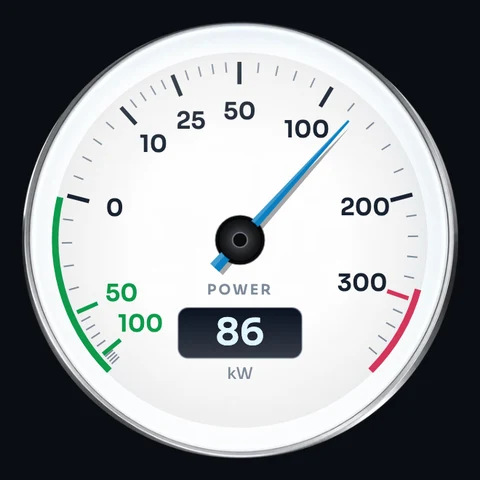
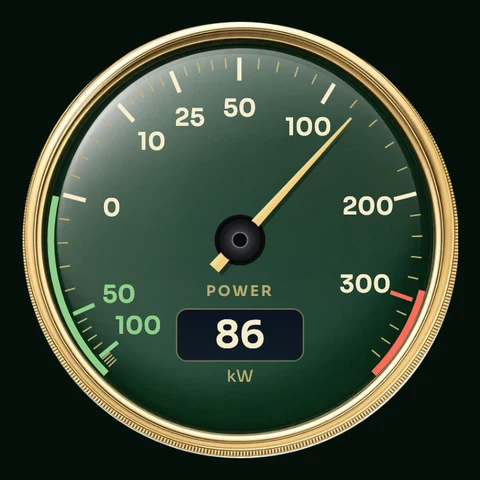
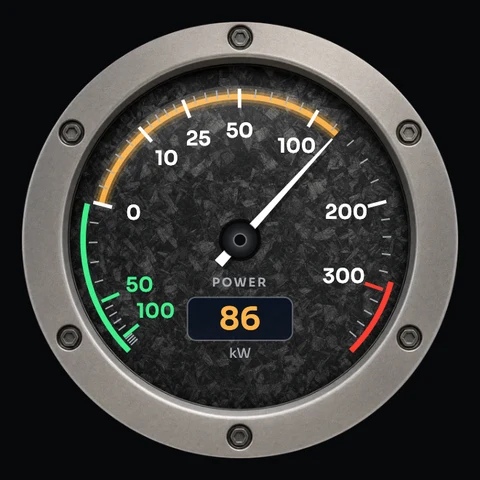
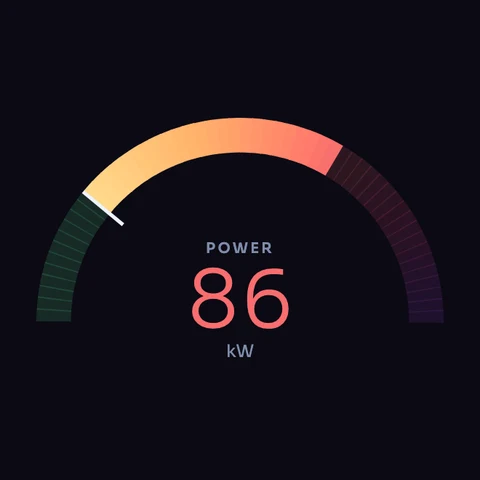
A rev counter for an electric car: kW, bhp, speed or estimated torque, with regen in green. The needle sweeps continuously, as a real one does.
Energy left multiplied by how you have really been driving, plus the range at the pace you are doing right now and at 50, 60 and 70 mph.
Right now, this trip, the last 10 and 100 miles, and since your last charge. Kilometres and your own currency if you prefer.
Type the distance to go and watch the battery you will arrive with, updating as you drive, with advice on the speed to hold.
Capacity today against new, cell balance where the car reports it, time to 80% on your charger, a cold-battery note and a 12V battery warning before it lets you down.
Every charge logged. Cost per mile, the saving against a petrol car, and a business mileage log you can export as a spreadsheet.
A live tile with the main dial and your four chosen readings on the Lock Screen, in the Dynamic Island and, on iOS 26, on the CarPlay dashboard. It is a tile on the dashboard, not a full CarPlay app: the app itself runs on the phone.
Choose which readings show as dials and tiles, put the big dial left, right or centre, and add new ones the app finds by scanning your car.
0–30, 0–60, 30–70 and 50–70 timed by GPS, peak power, hills accounted for, and the best figures kept for each car in your garage.
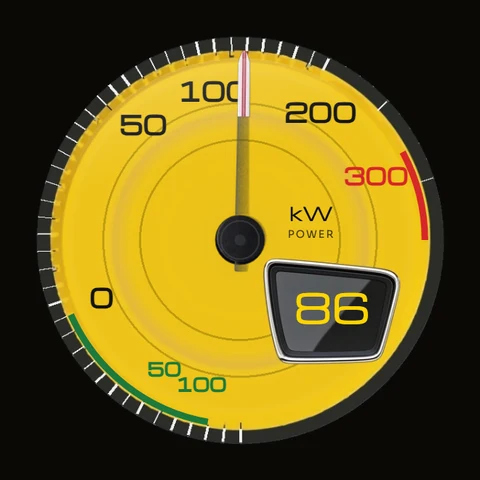
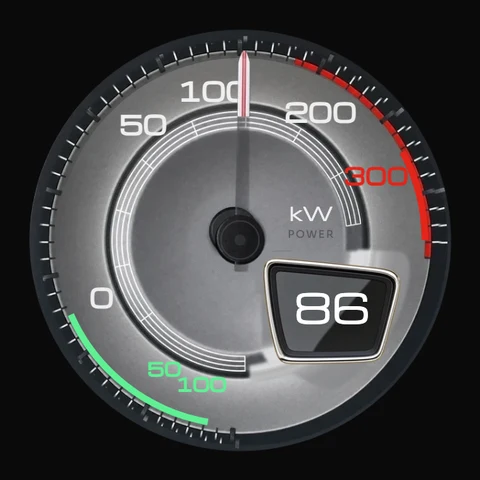
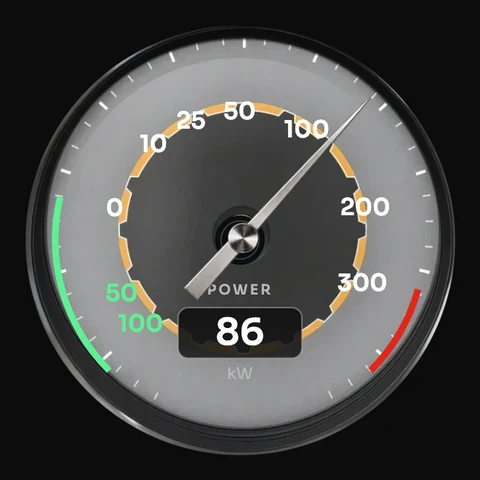
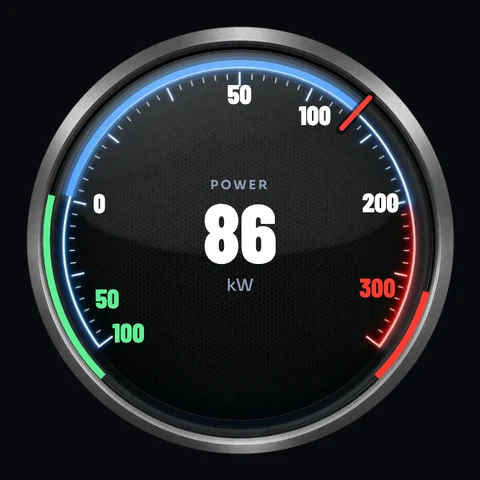
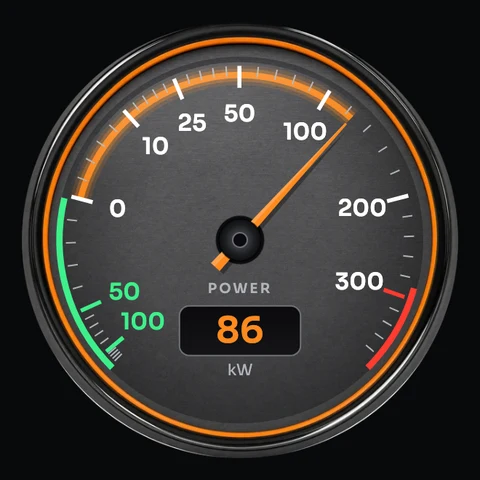
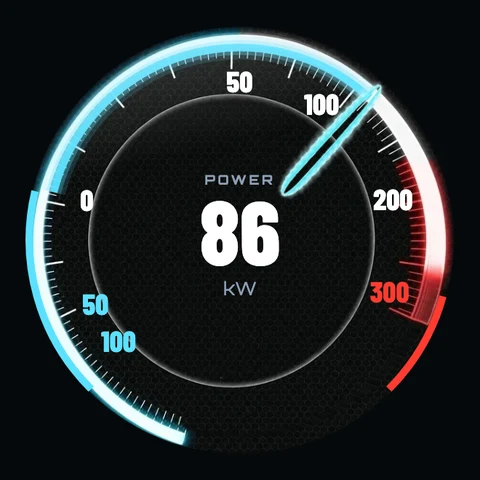
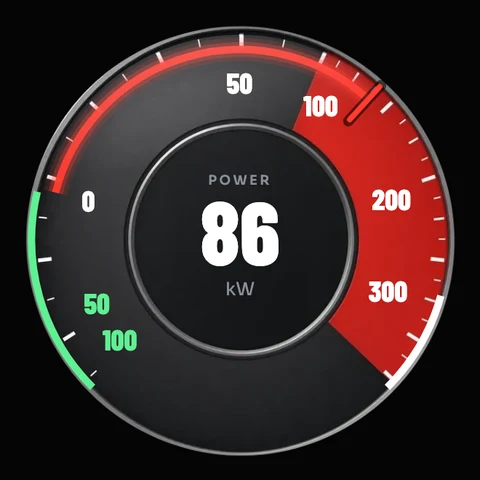
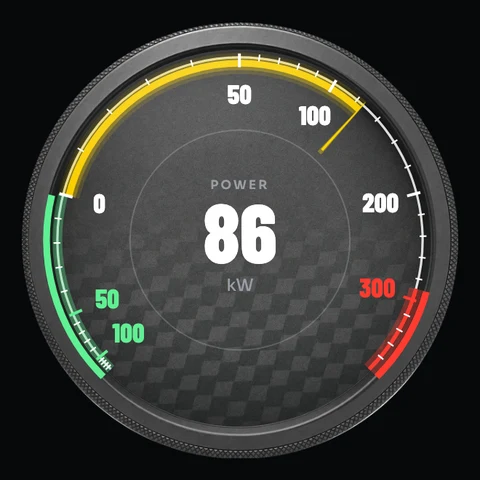
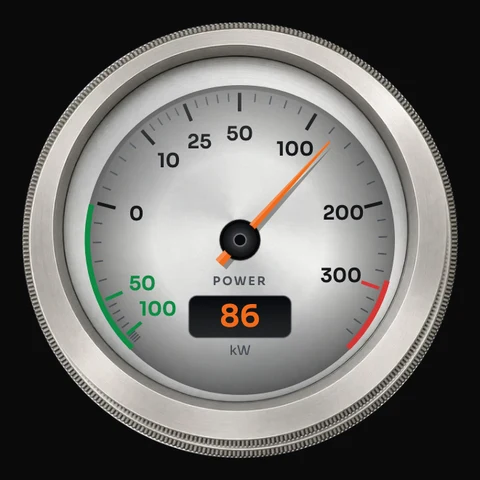
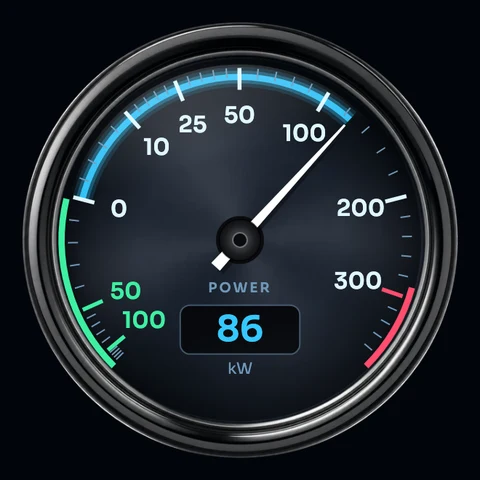
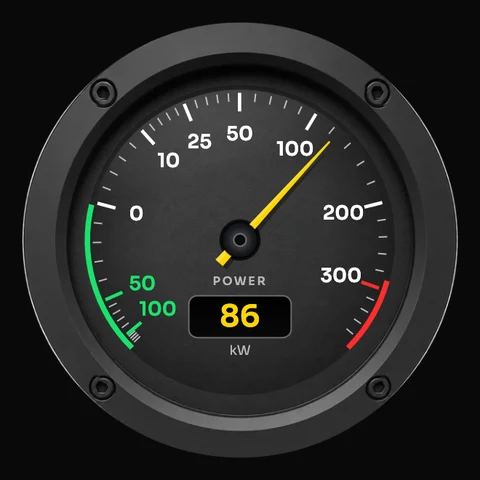
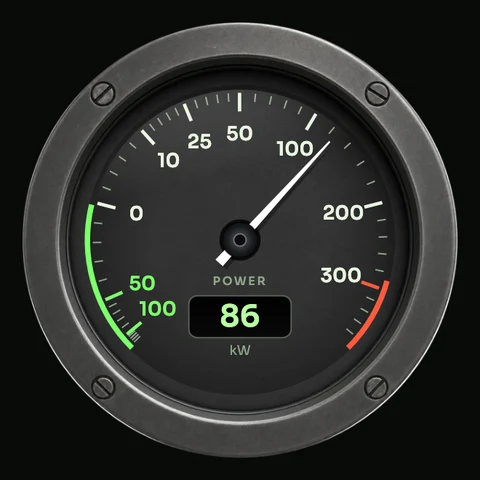
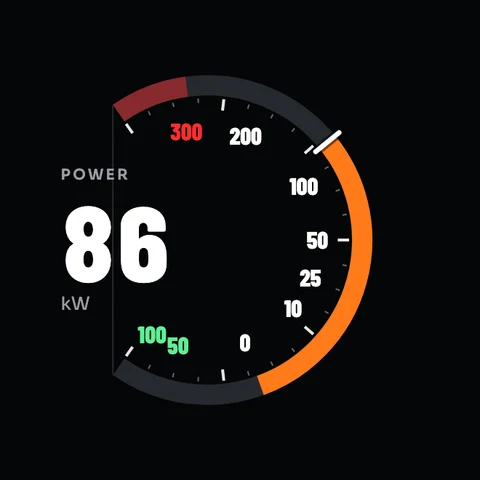
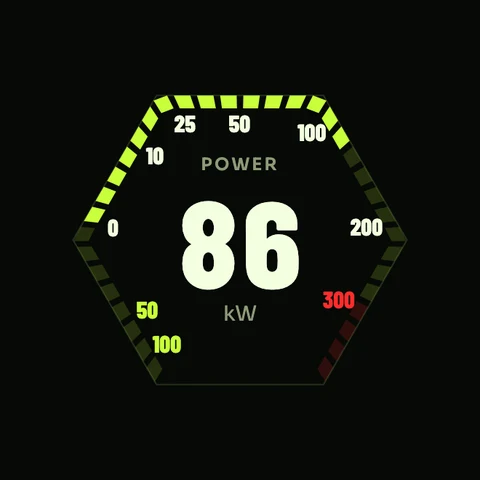
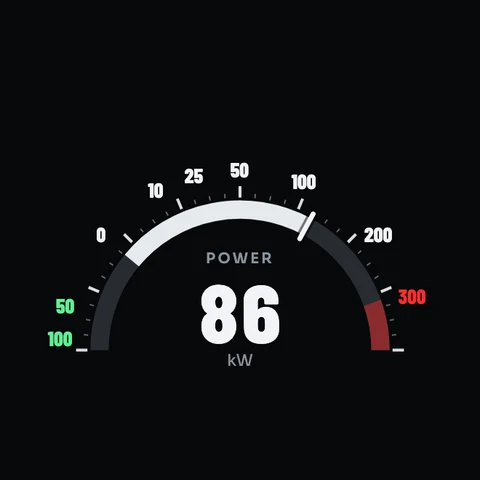
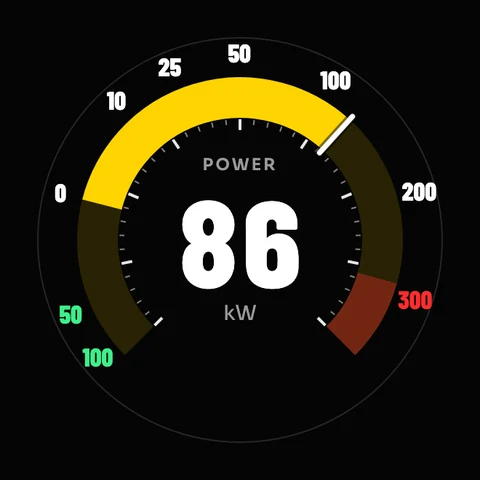
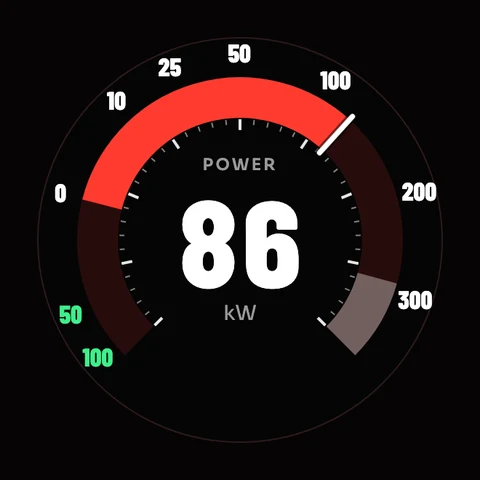
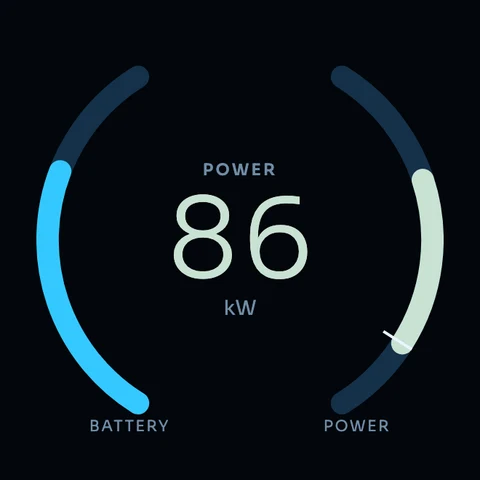
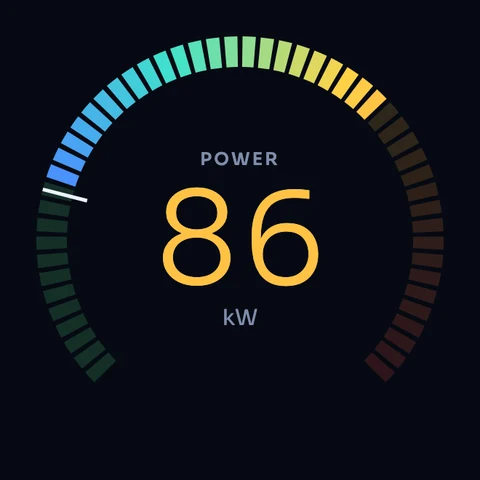
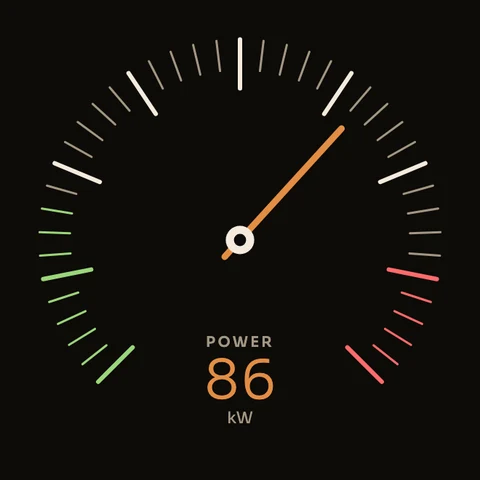
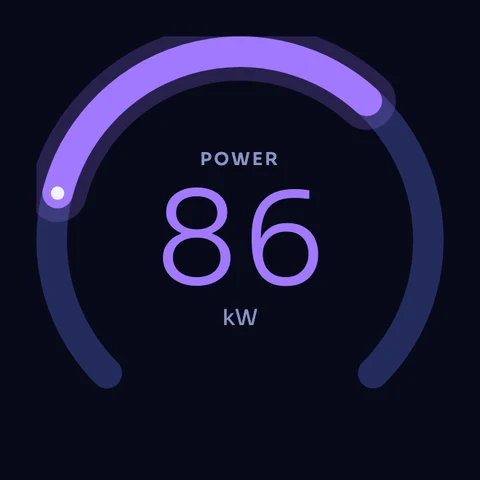
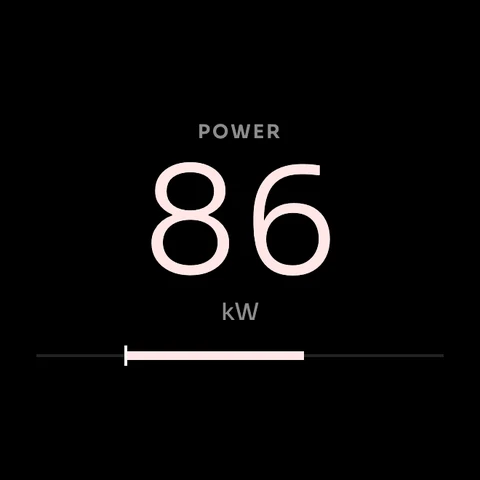
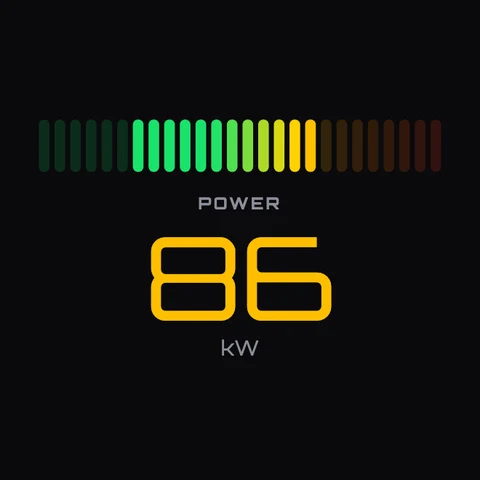
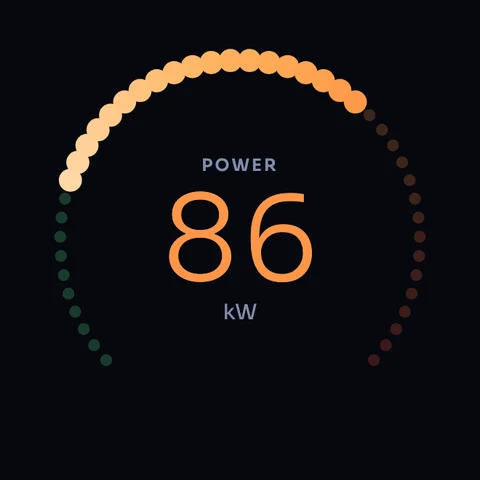
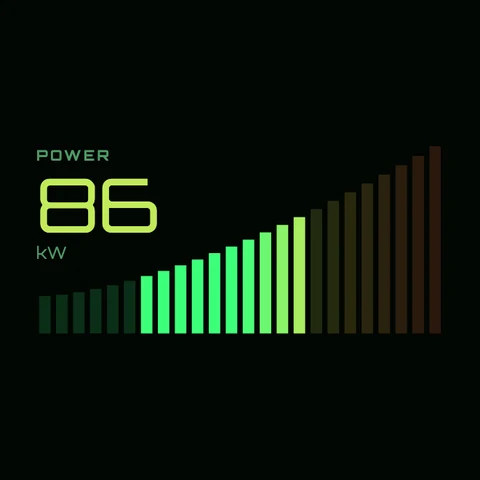
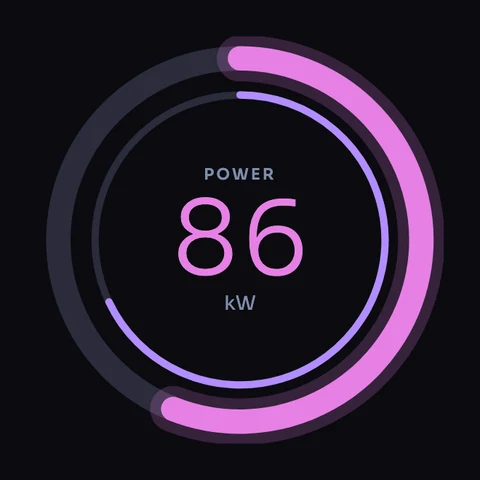
Twenty-four Designer dials recreated from the instruments of the great marques, ten photographed housings, and fifteen drawn dials: round, D-shaped, hexagonal and widescreen. Every one has a needle that sweeps to the reading, and a day and a night version. Put the big dial in the centre, or to the left or right of the screen.
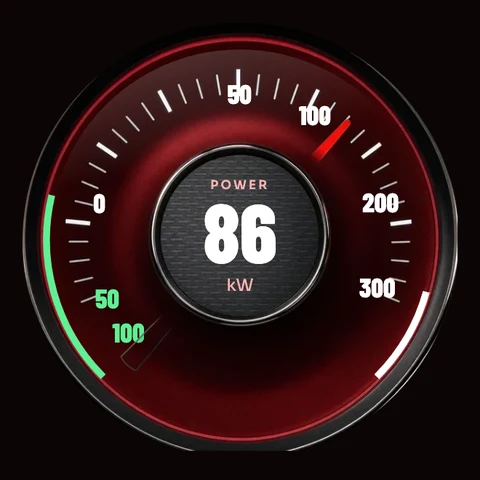
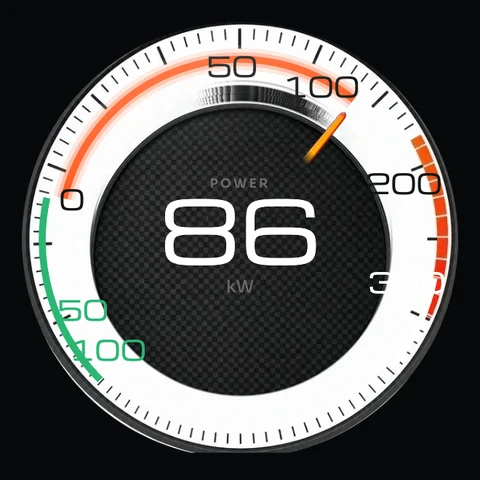
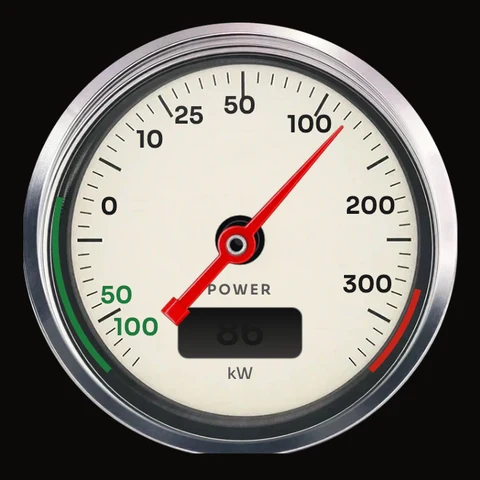
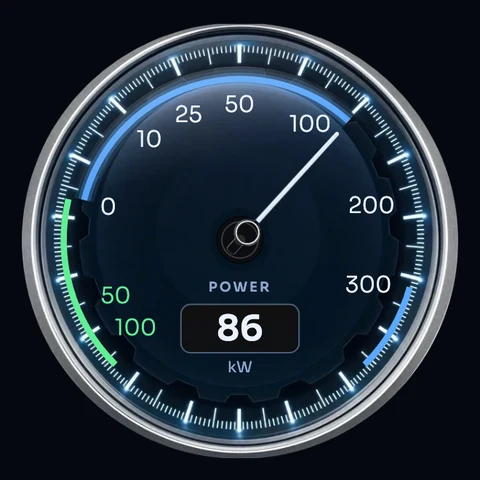
A small Bluetooth LE or Wi-Fi OBD dongle (about £15 to £30, sold separately) goes in the socket under the dashboard. It stays there.
Open EVgauge, tap Find my dongle, pick your car. From then on the app recognises the car and connects by itself when you get in.
The dial comes alive as soon as the car does. Keep an eye on the live tile on the Lock Screen or the CarPlay dashboard (iOS 26) if you prefer the phone in your pocket.
Bluetooth LE. EVgauge was developed and tested on it: small, connects from inside the app, sleeps when the car does.
Bluetooth LE. Connected first time on a BYD Seal with live readings, and kept up to date by OBDLink.
Pairs on iPhone through Apple’s accessory list: in EVgauge tap Find my dongle, then Pair my OBDLink MX+.
Already have a dongle? Any ELM327-compatible dongle that is Bluetooth LE (4.0 or newer) or Wi-Fi should work; older Bluetooth Classic dongles do not work with iPhone. The free "Will it work on my car?" check tests yours before you pay anything. More on choosing a dongle › EVgauge only reads from the car; it never writes to it or changes any setting.
Kia, Hyundai, VW, MG, Nissan, Renault, Peugeot, Polestar, Skoda, Audi, BMW, BYD and more, by make and model, with your maker's badge on the dial. Speed, trips, efficiency and running costs work from the phone on any of them.
Live power, battery health, cell voltages and temperatures come from the car itself. They're checked on a real BYD Seal and Toyota Proace Electric so far; around thirty more (Ioniq 5 and 6, EV6 and EV9, ID.4, Leaf, Zoe, MG4, ZS EV, e-208 and others) are in the app from public data, marked Unconfirmed until owners confirm them. The free check tells you where your car stands.
Pick it anyway: more than 150 EVs are listed by make and model. Speed, trips, efficiency and costs work from the phone straight away. Run a scan and the app sends us the car's codes by itself (no VIN, no location), which is how battery readings get added. Tell us what you drive. Tesla owners: the app listens to the car's own broadcasts, unconfirmed so far, and you need a Tesla OBD adapter cable. Details.
No subscription, ever. Pro is a single purchase through your Apple ID and carries over to your other iPhones.
Enough to check EVgauge works with your car.
Everything the app can do, for good.
No. The app is free, Pro is a one-off purchase, and there is no account to create. Nothing leaves your phone except a problem report you choose to send, or a car scan (the car's codes only, no VIN or location) that helps add cars; you can switch that off in Setup.
Yes. EVgauge only asks the car for readings. It never writes to the car or changes any setting. The dongle draws a tiny current; unplug it if the car will stand for weeks.
Because it reads the same way as mpg: bigger is better. If you prefer kilometres, switch in Setup and everything follows, including km/kWh and your own currency.
The BYD Seal and the Toyota Proace Electric are checked on real vehicles. Around thirty other EVs are included from public data and marked Unconfirmed. The free Will it work on my car? check shows in about a minute what your car shares, so check before you buy Pro. If yours is not there, choose Other EV: it connects, and speed, trips, efficiency and costs all work from the phone. Then run a scan and send it from Help; that is how cars get added.
Not yet. iPhone first; Android if enough people ask.
 EVgauge